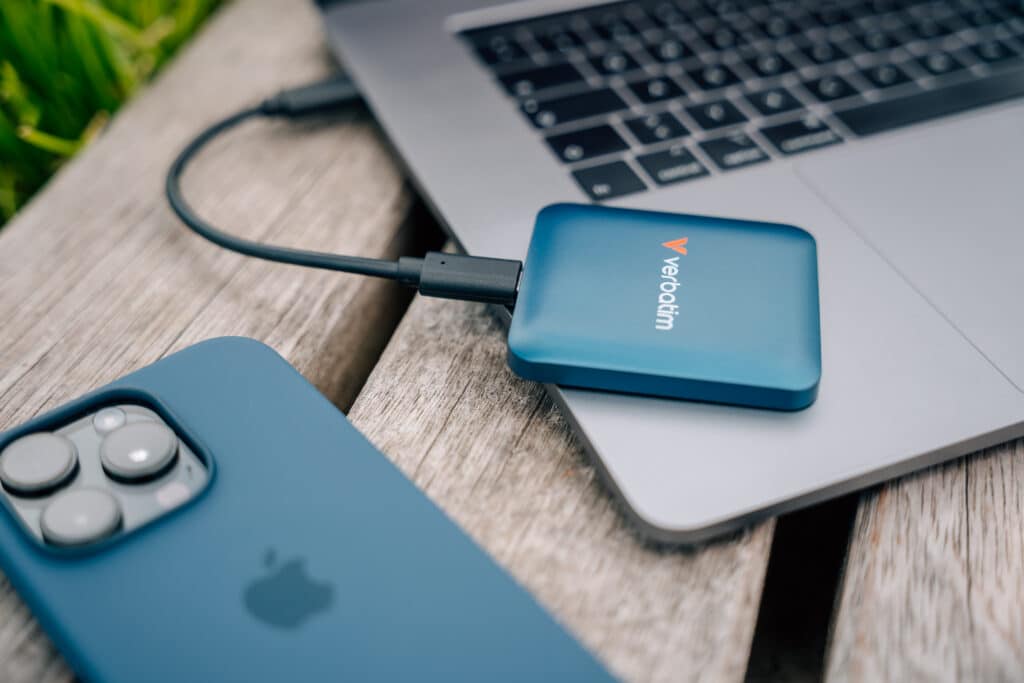
Don’t Forget Your Mobile
World Backup Day: Your Phone Needs a Backup Plan Too
Every 31 March, World Backup Day reminds us of one simple truth: if it’s important, back it up.
Most Australians rely heavily on their phones for everything – photos, 4K videos, contacts, work documents, banking apps, social content and more. Yet many people still assume that backing up to the cloud alone is enough… It’s not.
Cloud storage is just one layer of protection. If you accidentally delete a file, lose access to your account, experience sync errors, or face ransomware, you could still lose valuable data. That’s why the 3-2-1 backup rule matters more than ever – especially for mobile devices.

The 3-2-1 Backup Rule (made for mobile)
You may have read our previous blog on the 3-2-1 backup strategy. This year, we’re applying it directly to your phone:
3 copies of your data
2 different storage types
1 copy stored off-site
For your smartphone, that could look like:
- Original files on your phone
- Automatic cloud backup (Google Drive, iCloud, OneDrive, etc.)
- A physical backup to an external SSD, USB flash drive or microSD card
This layered approach protects your memories and critical information from device loss, theft, accidental deletion or hardware failure.
Why your camera roll is at risk
Your phone is likely your primary camera. From family moments to travel videos and work content, your camera roll fills up quickly, especially with 4K video.
Large video files:
- Eat up internal storage
- Slow down your device
- Are painful to lose
Backing up locally not only protects your content, it also frees up space so your phone keeps running smoothly.
Back up directly while you create
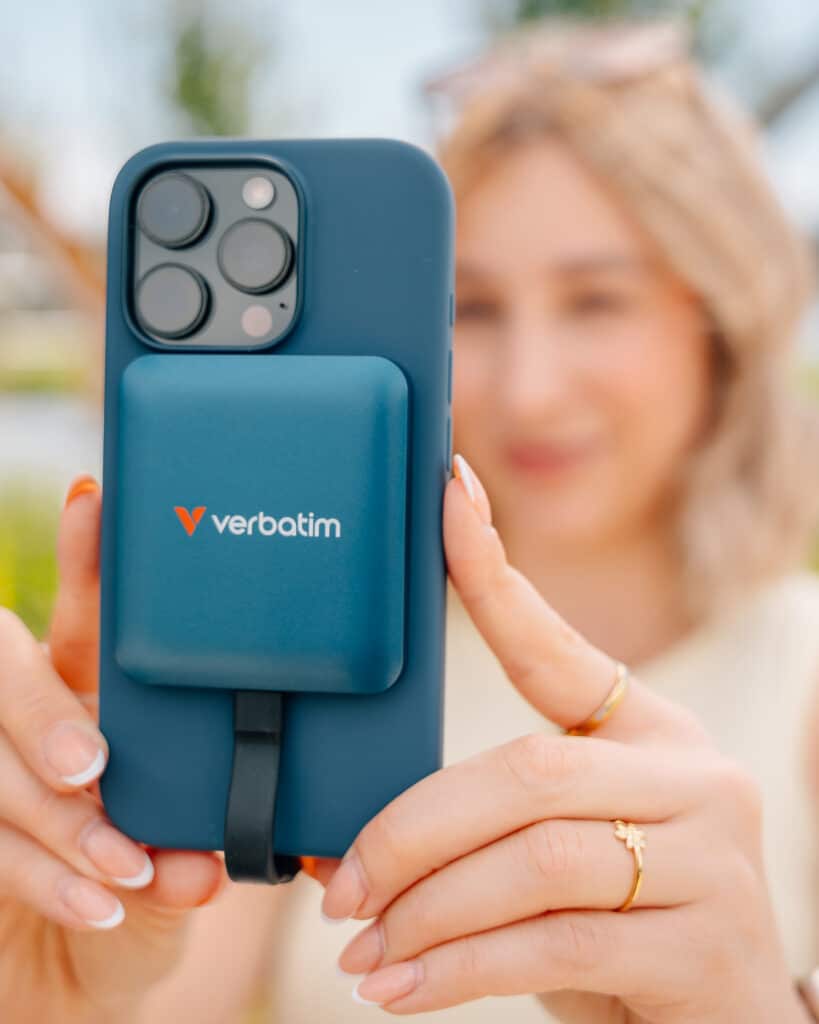
SnapBack SSD – Instant Mobile Storage
Verbatim’s SnapBack SSD makes mobile backups effortless. Attach it magnetically to compatible phones and save photos and videos directly to the SSD as you record. This means:
- You free up valuable internal phone storage
- You reduce the risk of losing files before they’re backed up
- You can capture extended 4K video without worrying about space
For content creators, students, business professionals and travellers, it’s a game changer for secure mobile storage.
World Backup Day Tip: Don’t wait until your storage is full. Save directly to external SSD storage and keep your phone running at peak performance.
Fast & flexible phone-to-laptop backups
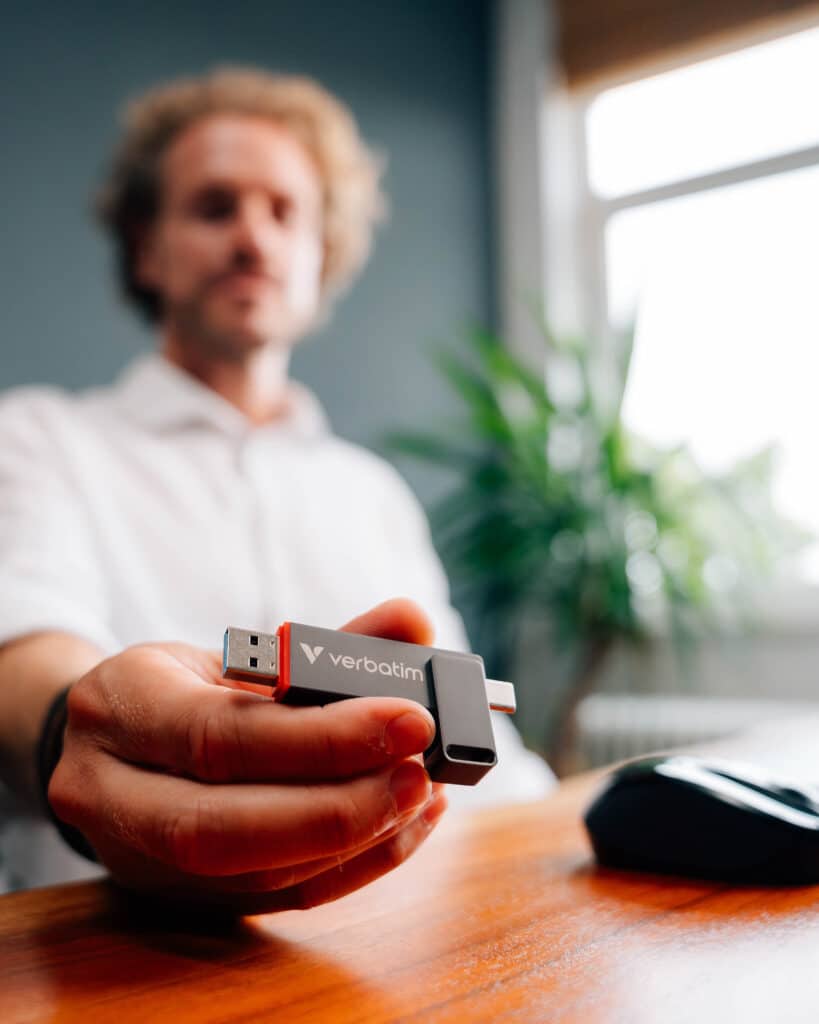
Dual USB Flash Drive – meet the QuickStick
The QuickStick Dual USB Drive features dual connectors, allowing you to:
- Connect directly to your phone (via USB-C)
- Then transfer files straight to your laptop or desktop (via USB-C or USB-A)
No cables. No complicated setup. This makes it ideal for:
- Quick manual backups
- Sharing large files
- Creating an additional physical backup copy at home or in the office
It’s an easy way to add a second storage format to your 3-2-1 strategy.
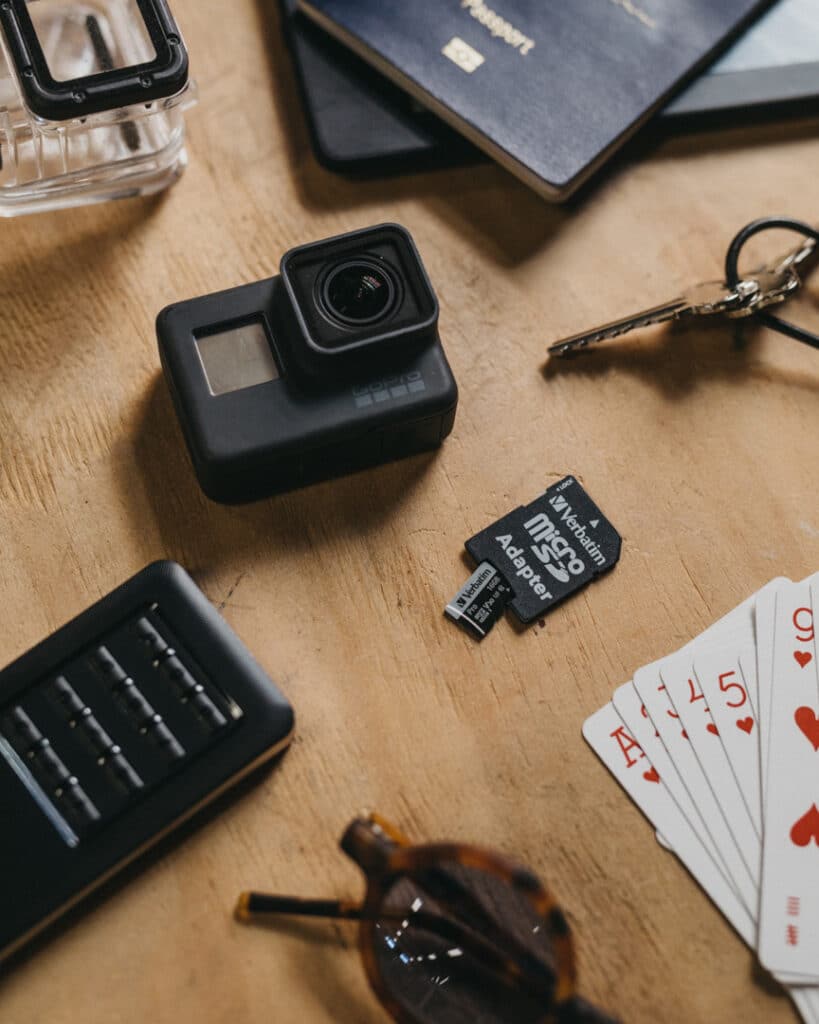
Dependable storage for Tablets & Cameras
4K Video Pro microSD Card
If you use a tablet, drone, dash cam, Go Pro or mirrorless camera alongside your phone, a high-performance microSD card is essential.
The 4K Video Pro microSD card provides:
- Reliable performance for high-resolution video
- Stable, dependable storage
- An additional backup option for portable devices
It’s a simple way to protect footage before transferring it to a larger storage device.
Backup faster with USB4 speeds
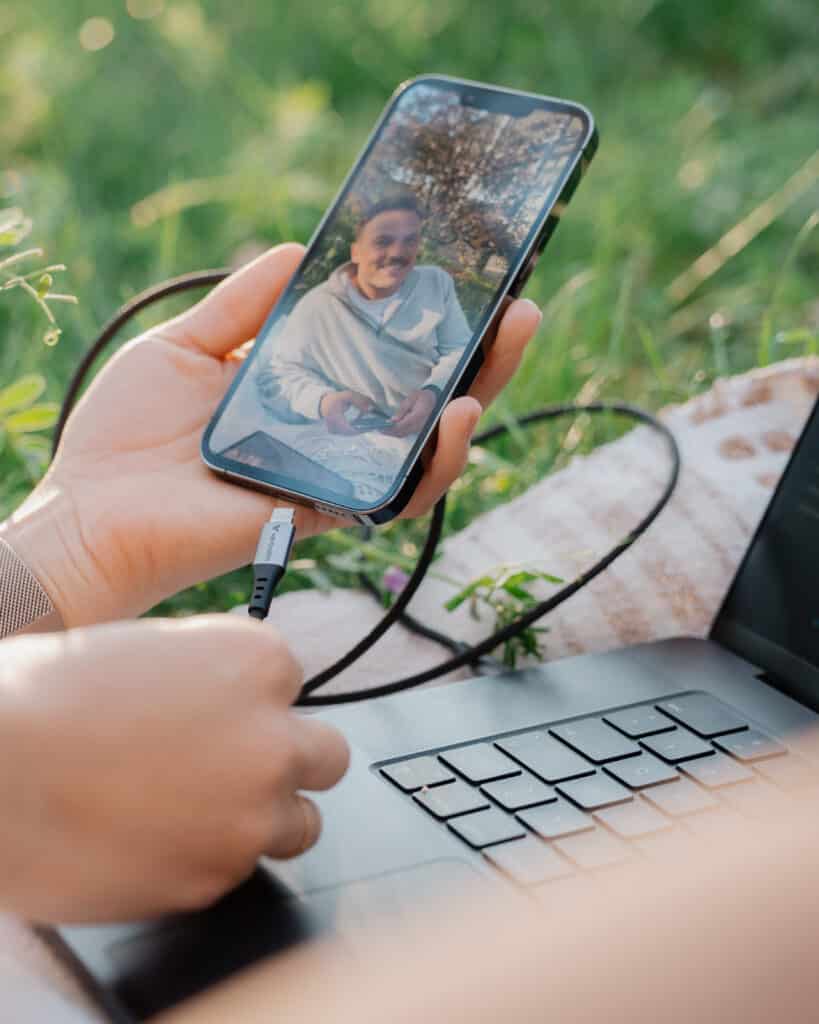
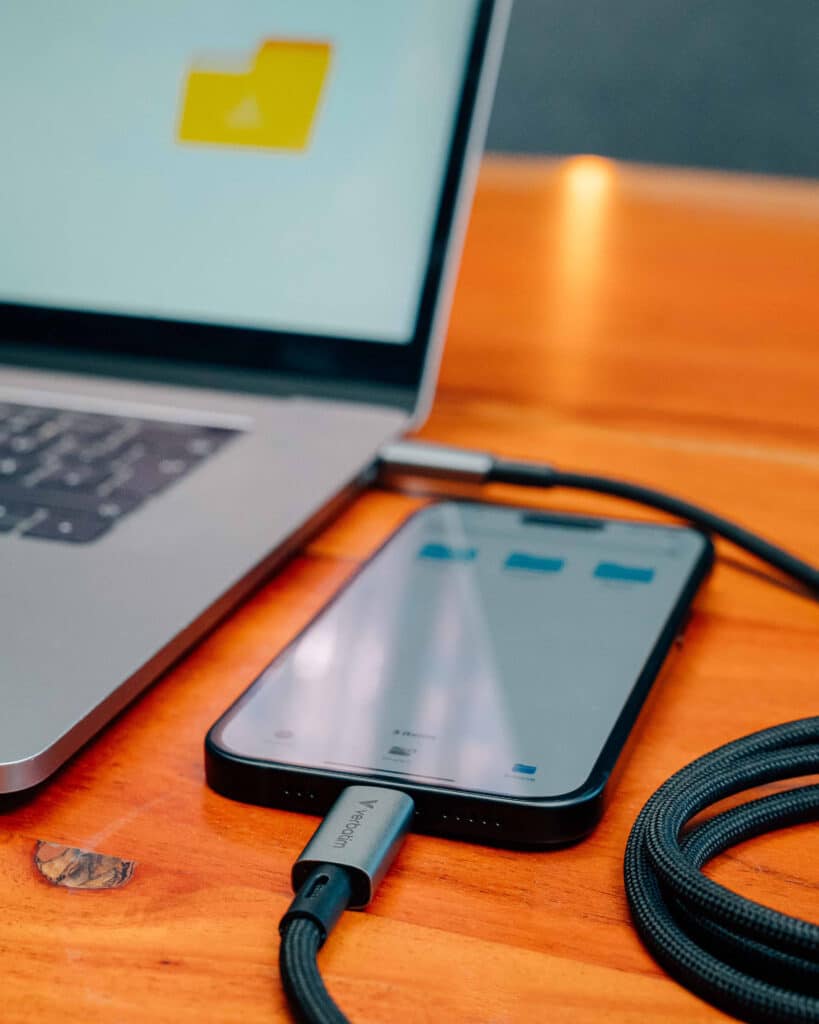
USB-C 240W Cable with LED Display
Backing up large volumes of photos and 4K videos can take time – unless you’re using the right cable.
Our USB-C 240W Cable with LED Display supports USB4, delivering faster data transfer rates so you can:
- Transfer large files quickly
- Reduce backup time
- Minimise interruptions
Fast transfers make regular backups more effortless and consistency is key to data protection.
What Should You Back Up on Your Phone?
Don’t forget these critical data types:
- Camera roll (photos & videos)
- Contacts
- Notes
- Voice memos
- Work files
- App data (where supported)
- Messages
If you’d be upset to lose it, it needs at least two backups.
This World Backup Day, Ask Yourself:
- If I lost my phone today, could I recover everything?
- Do I have a physical backup?
- Am I relying on just one system?
If the answer makes you nervous, it’s time to upgrade your backup plan.
Because life works better with Verbatim – no matter what you’re doing, no matter where you are. When your memories, projects and files are protected, you can go further, stay out longer and do even more.